Blocks the commands that do real damage
Deleting your home folder, your project, or your .git folder. Disk wipes. The Guard stops these before they run.
A small add-on you install once on Mac or Windows. It blocks the commands that do real damage, asks you before risky ones, and saves a copy of files before Claude deletes them.
$19Early bird$39 later
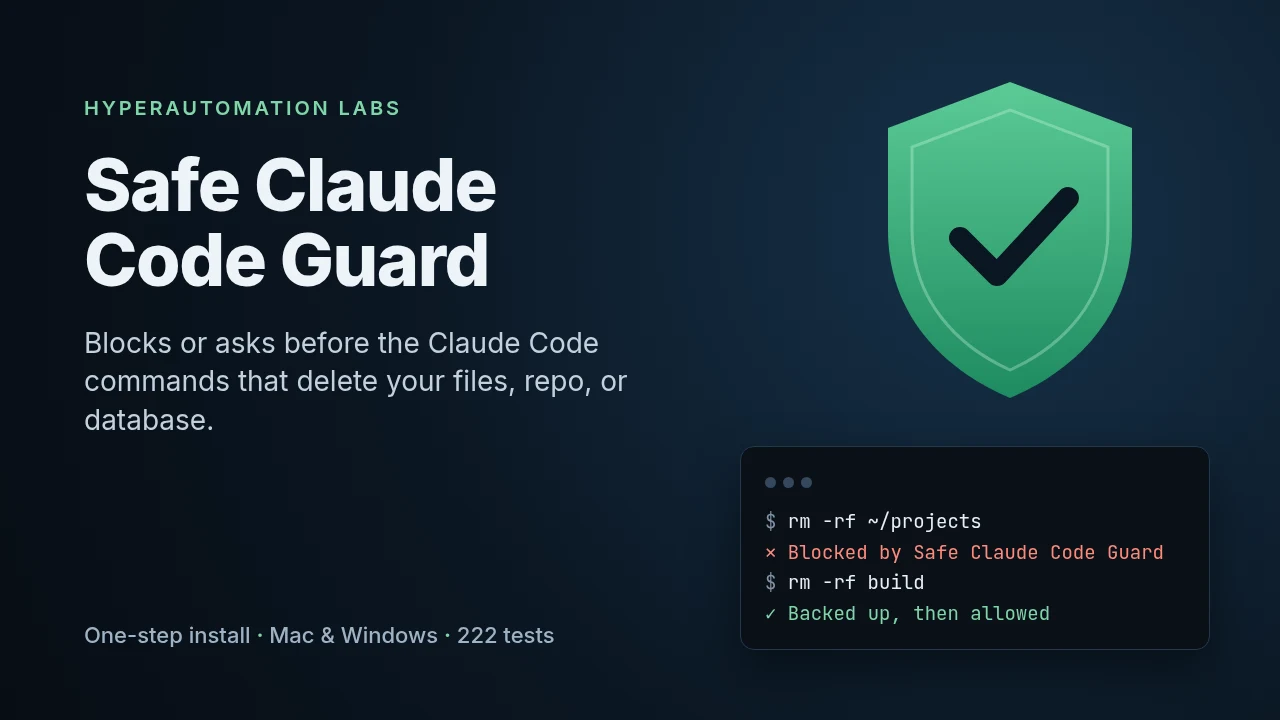
Claude Code can run commands on your computer. Most are fine. A few can wipe out your work. The Guard handles those few.
Deleting your home folder, your project, or your .git folder. Disk wipes. The Guard stops these before they run.
Force push, git reset --hard, DROP TABLE. You see the command and decide yes or no.
If Claude removes a file, the Guard keeps a copy first. You can get it back.
You use Claude Code to build things, but you can't always tell a safe command from a bad one. You don't need to. The Guard checks for you.
One step on Mac or Windows.
The Guard blocks the damaging commands and asks you about the risky ones.
One line uninstalls it.
$19 early bird ($39 later). 14-day refund.
Hyperautomation Labs also sends the Hyperautomation AI Report newsletter.
People who use Claude Code but do not write code. If you let Claude run commands on your computer, this is your safety net.
Yes. It works on both.
You install it once, in one step. You remove it with one line.
It blocks commands that do real damage, like deleting your home folder, your project, or your .git folder, and disk wipes. It asks you before risky ones, like force push, git reset --hard, and DROP TABLE.
It is $19 at the early-bird price. It will be $39 later. You get 12 months of updates.
Yes. You have 14 days to ask for a refund.
The Complete Guide to Claude Code is a 56-page beginner PDF. $14.97.